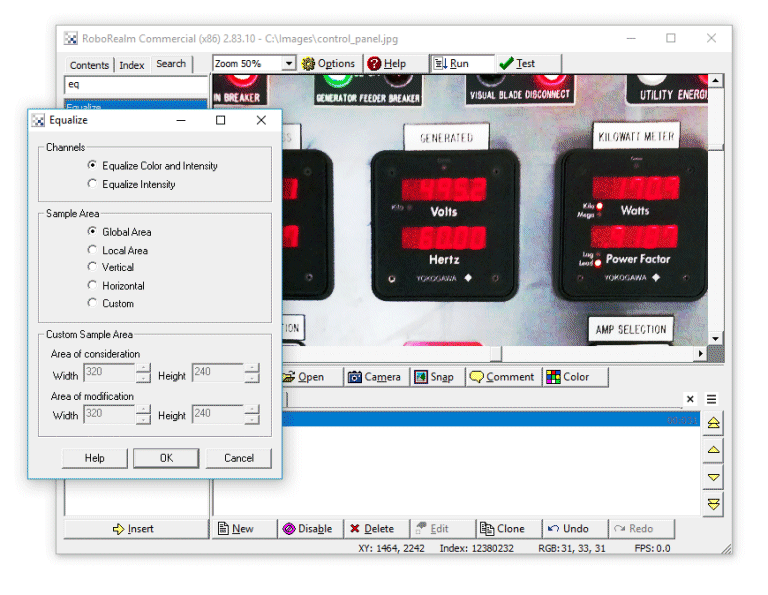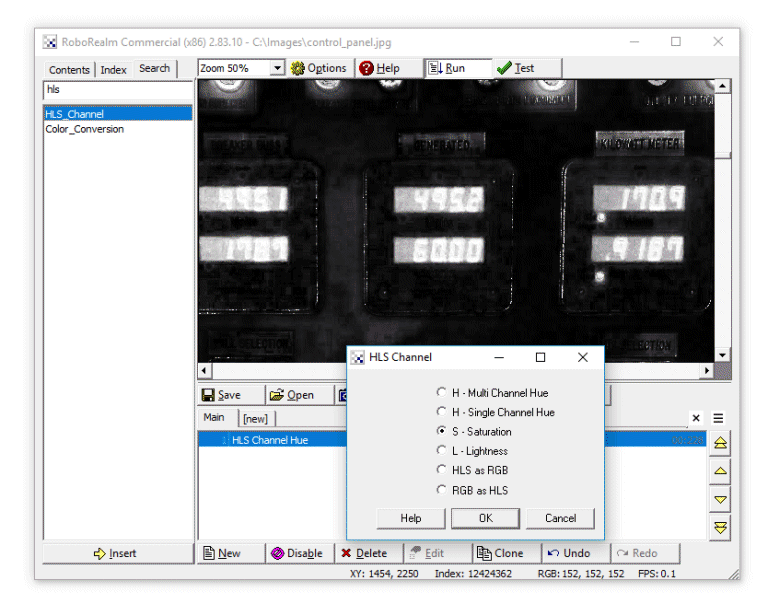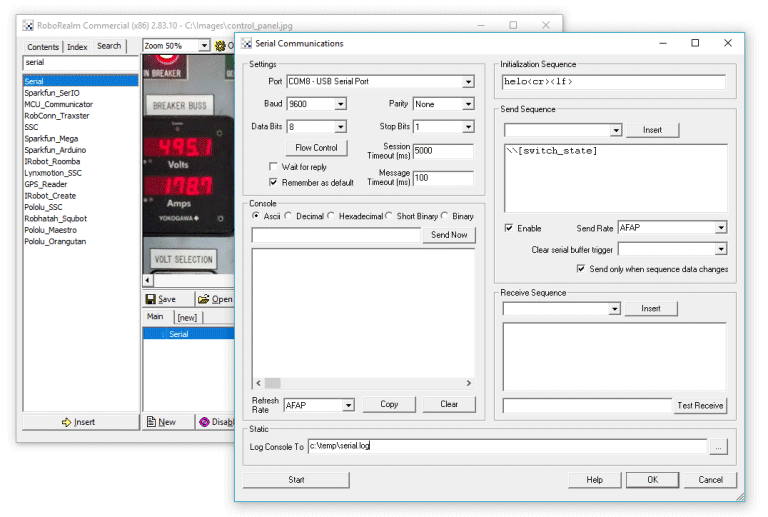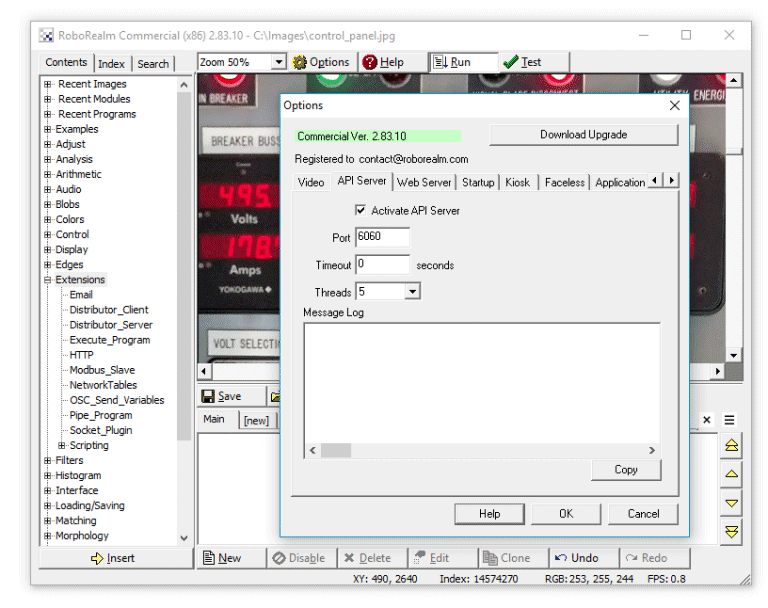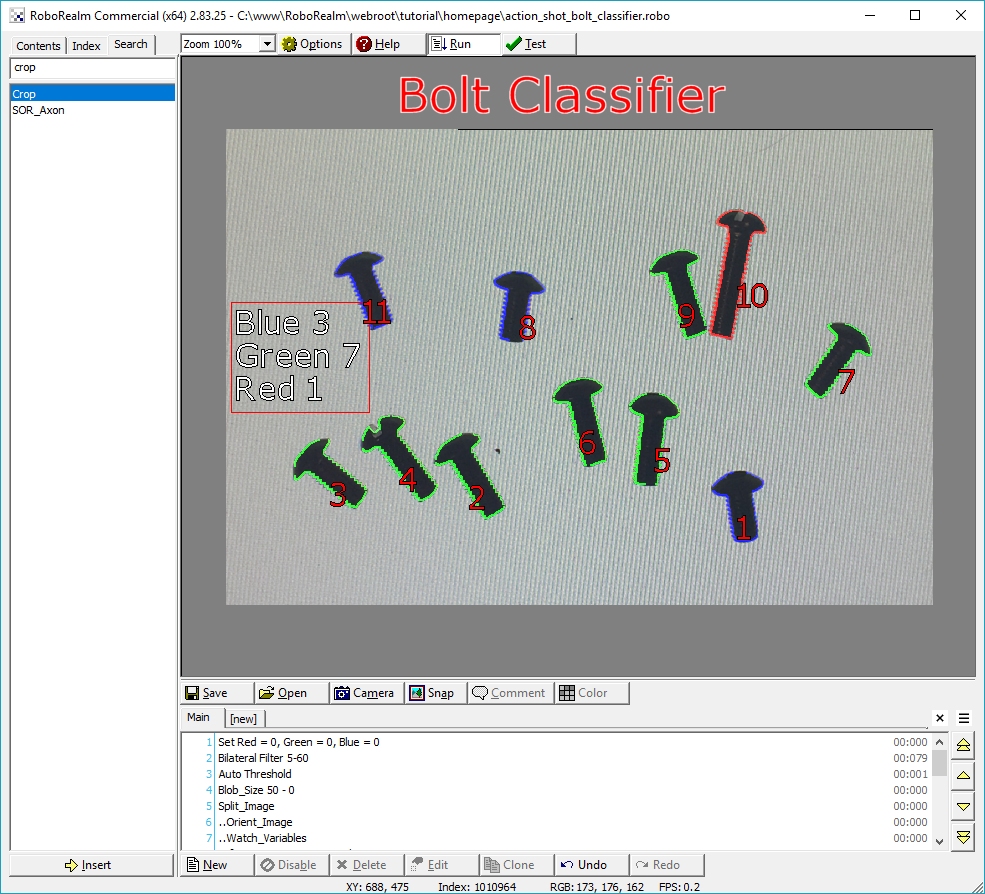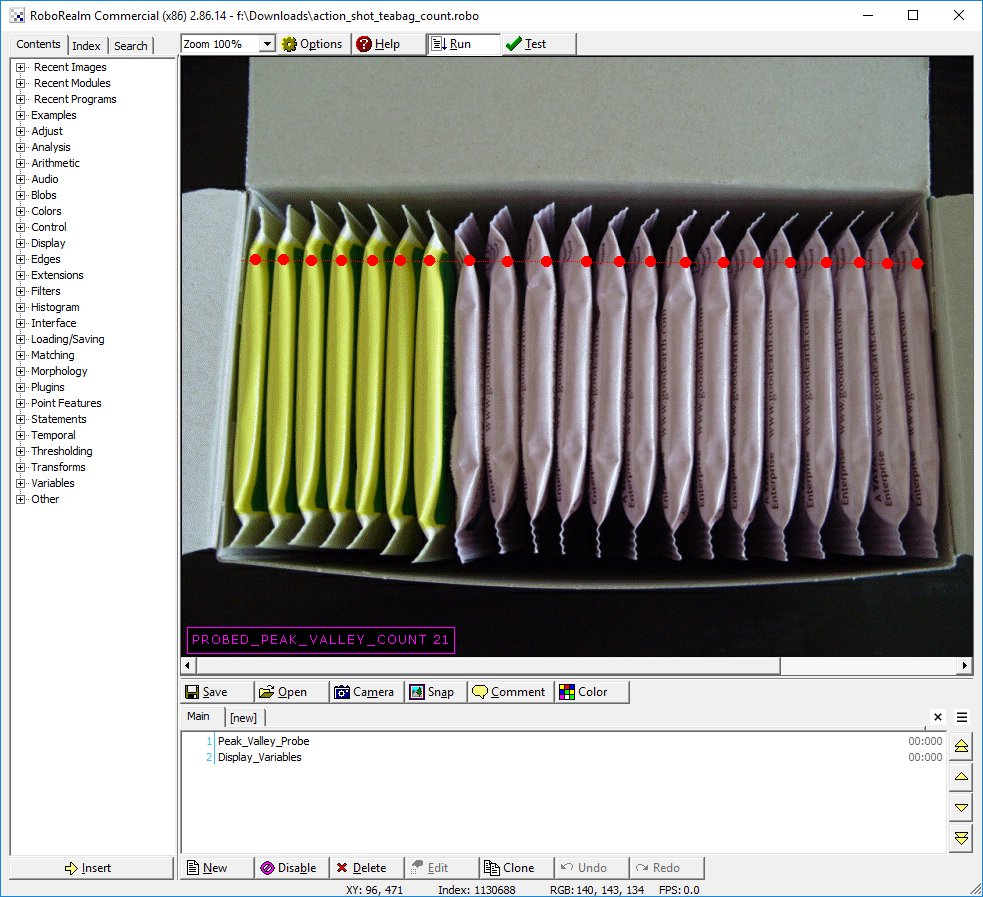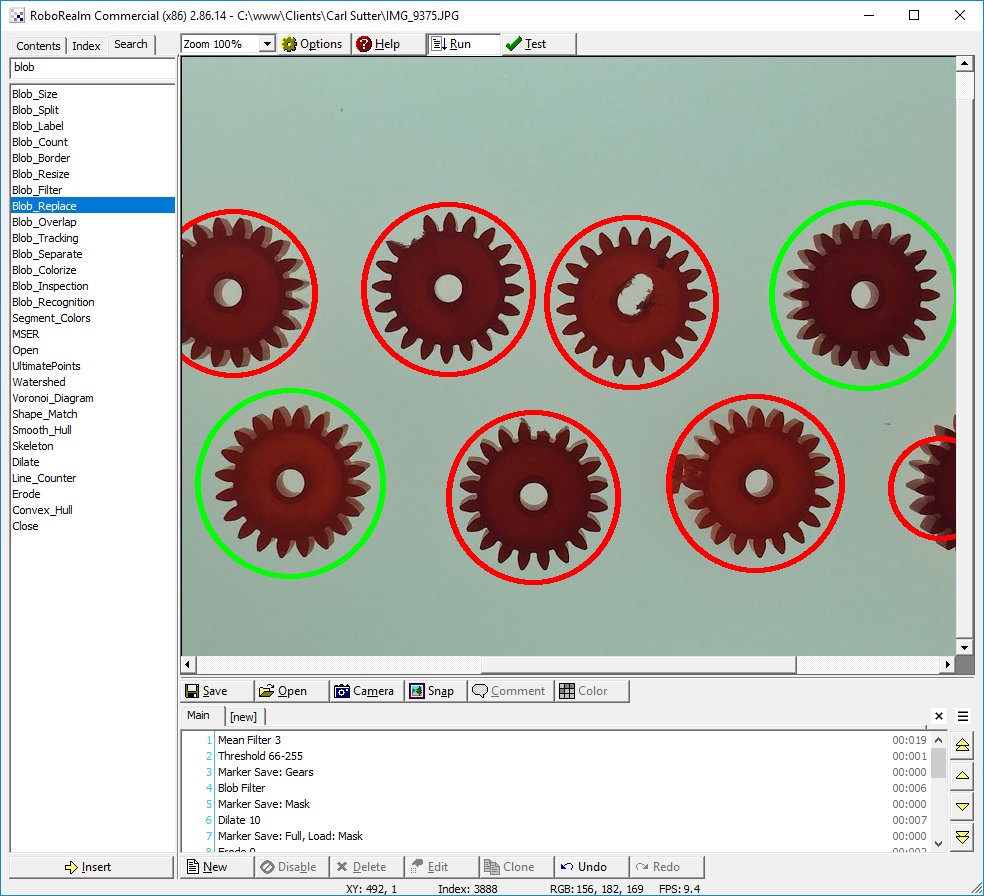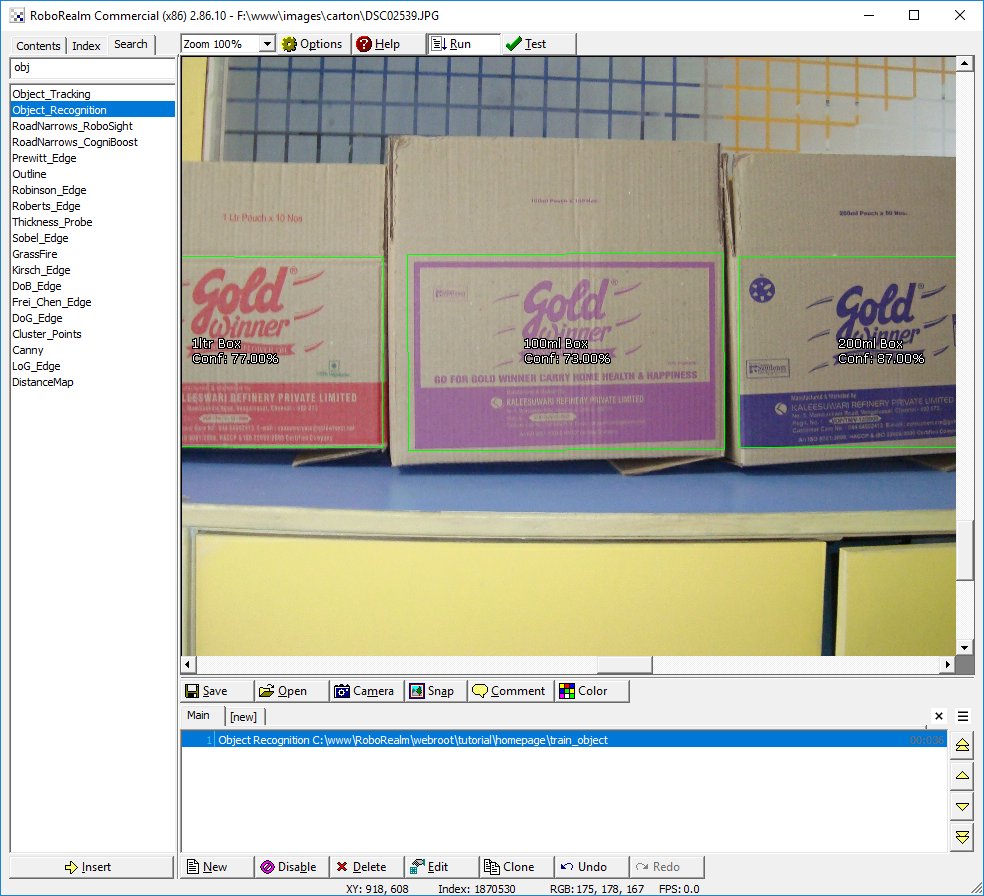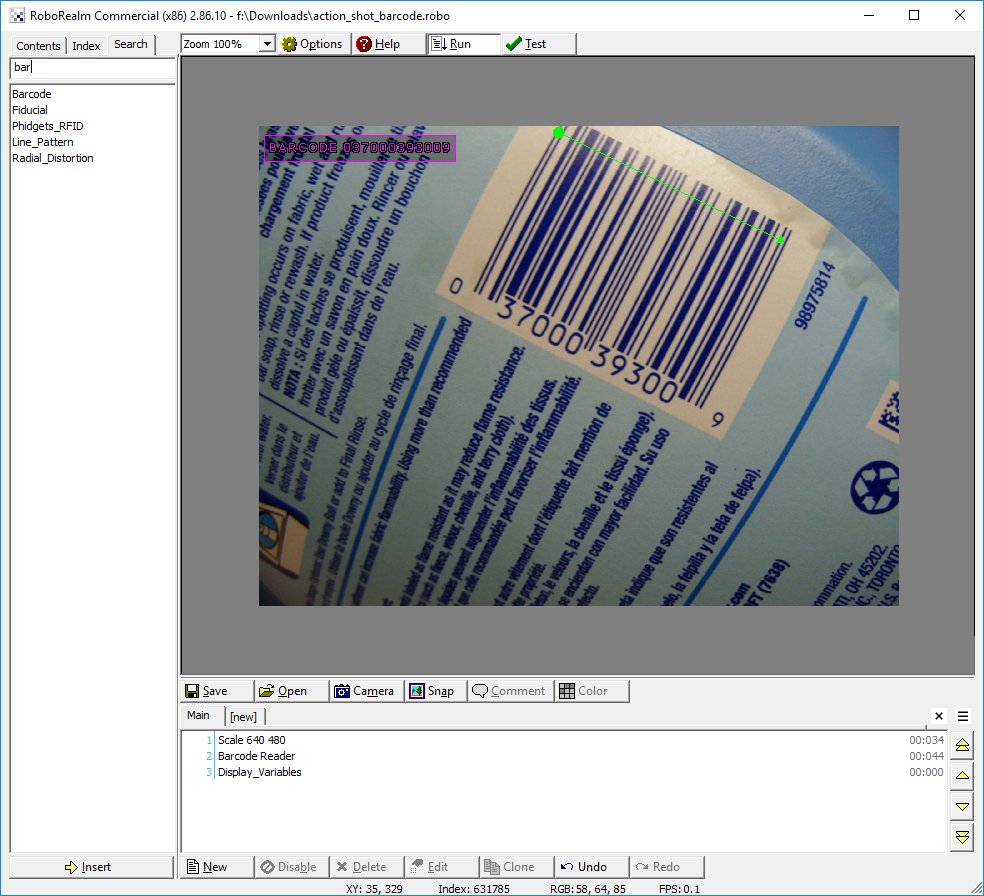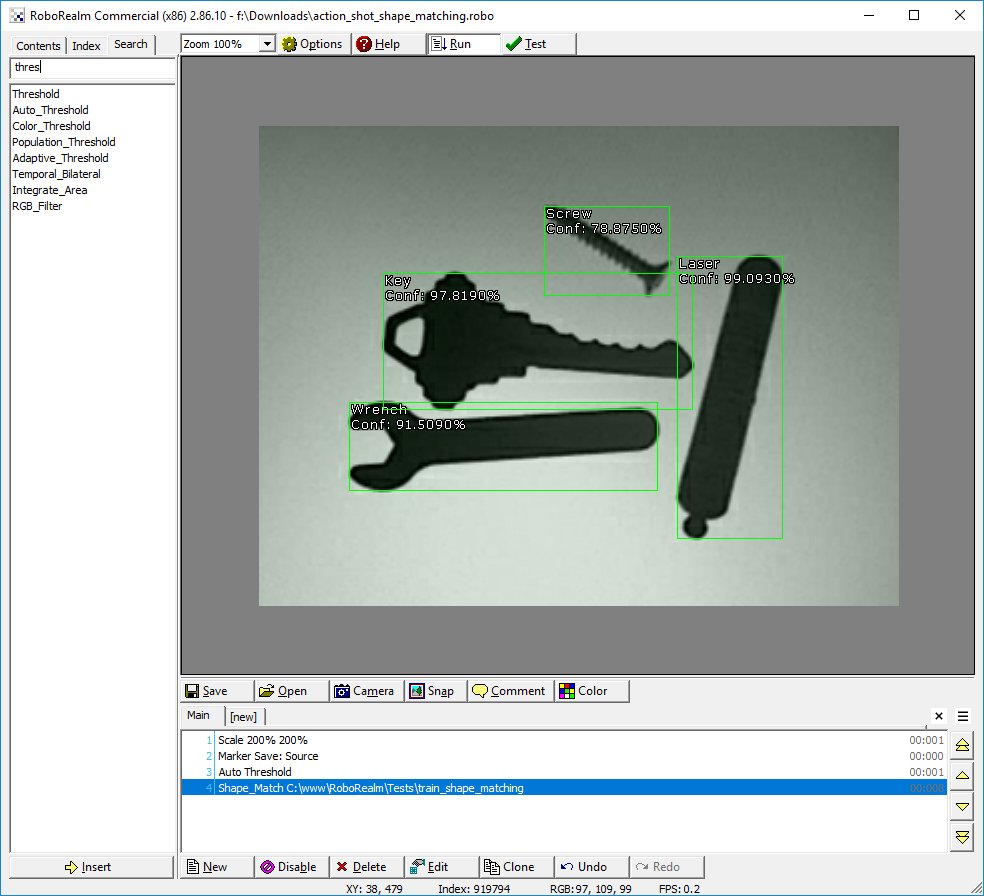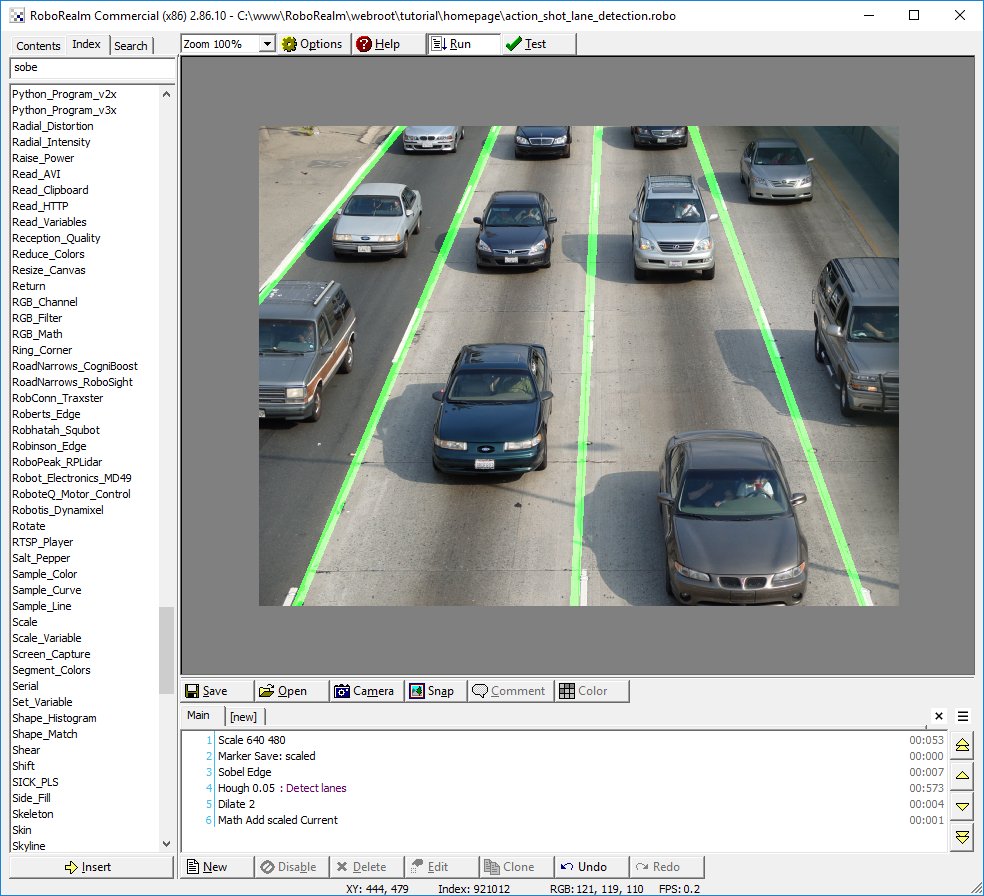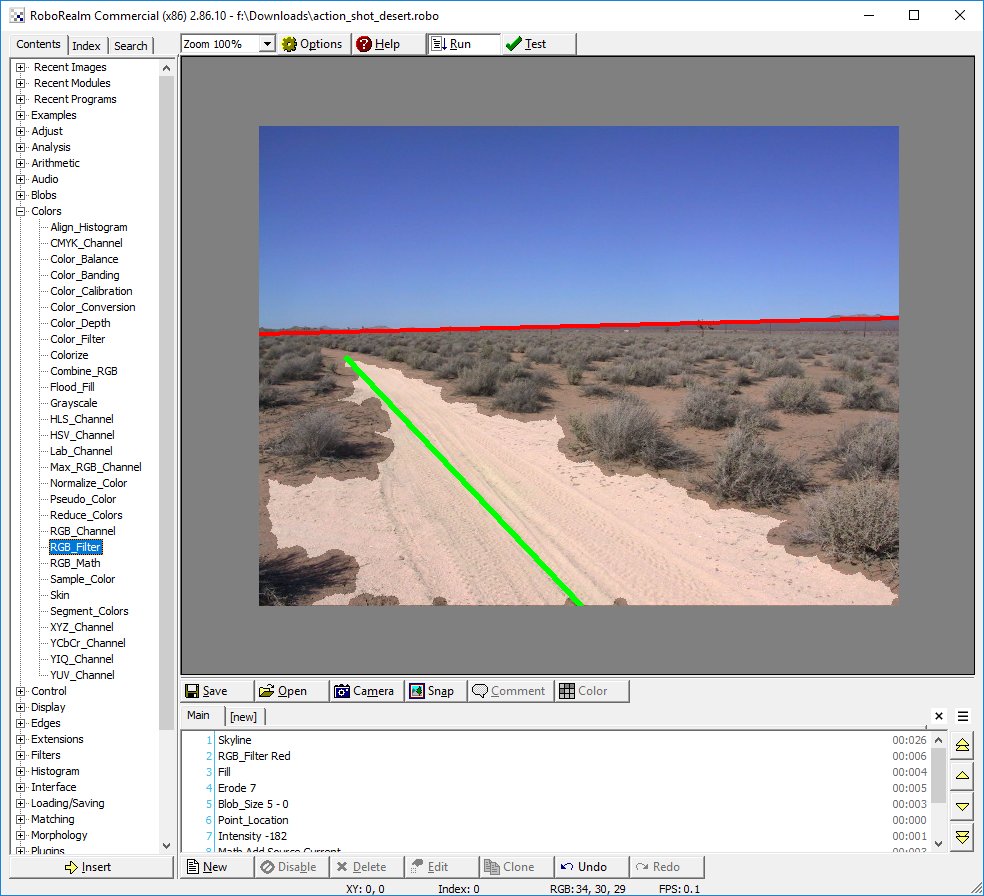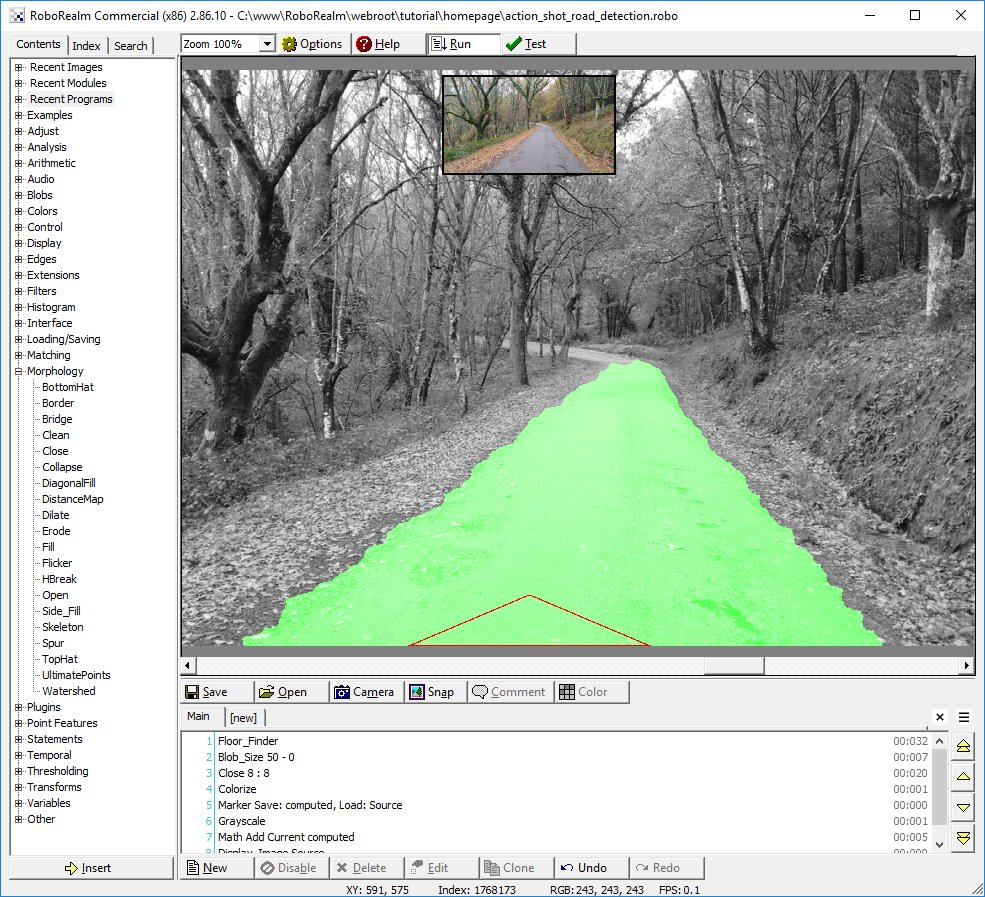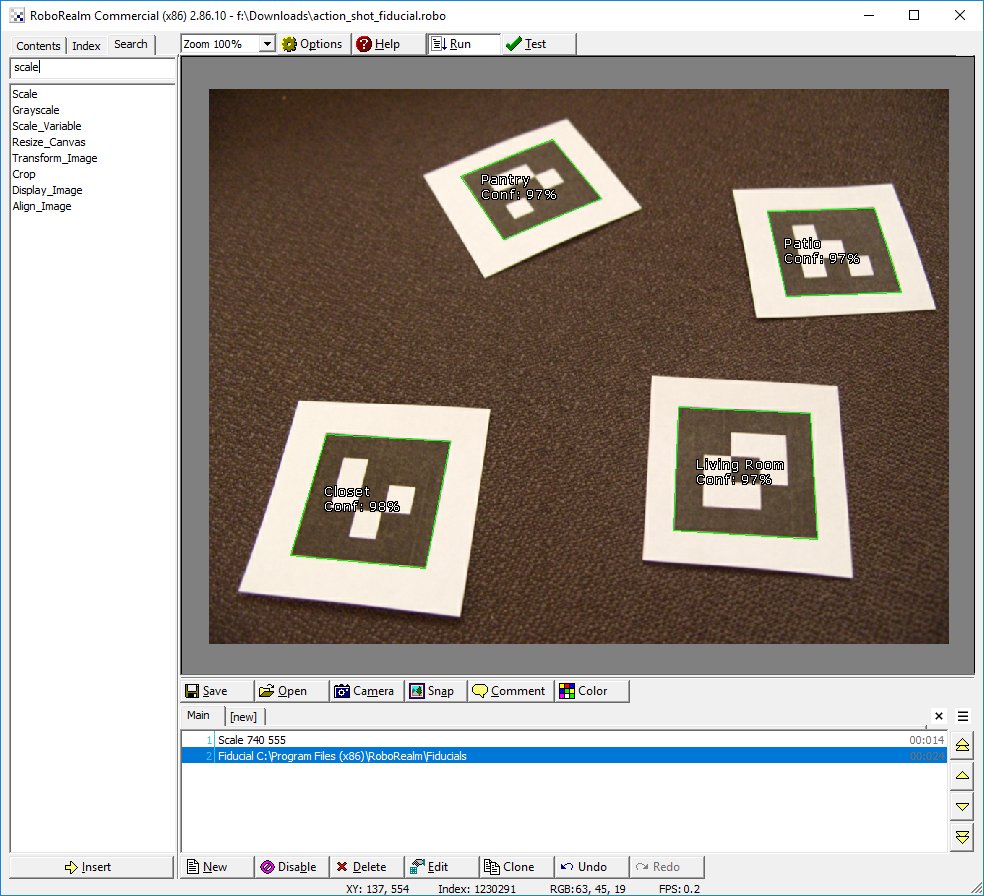
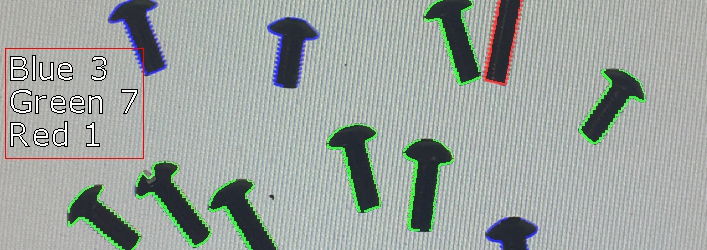
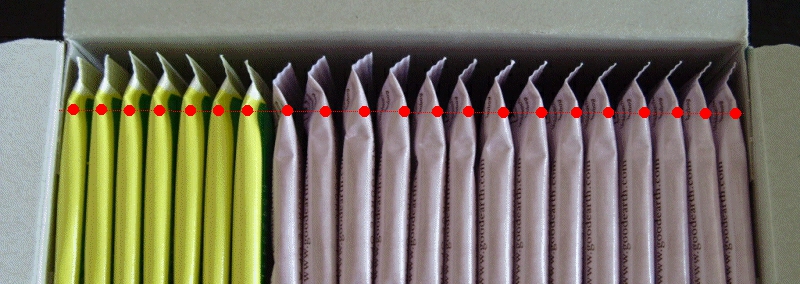
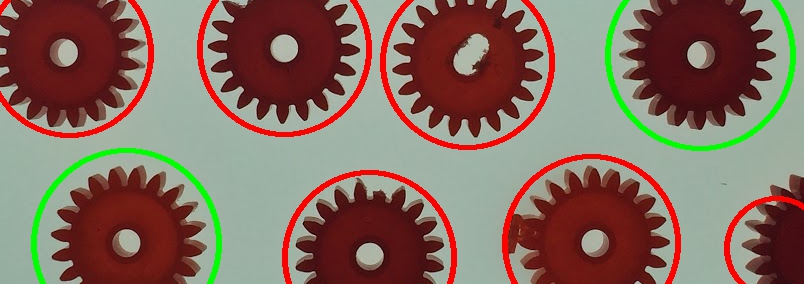
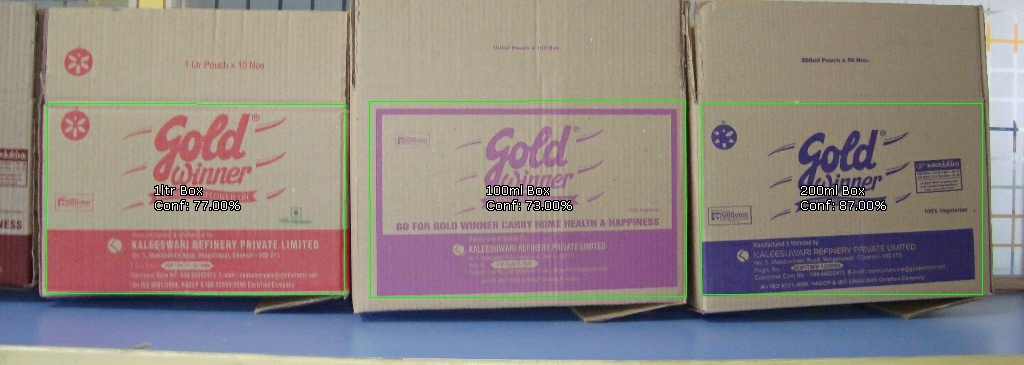
RoboRealm® is a powerful robotic vision software application
for use in computer vision, image processing, and robot vision tasks. Using
an easy to use point and click interface complex image analysis and robot control becomes easy!
Jan 1, 2009 -
Welcome to the new year! We're excited about the possibilities of what this new year will bring in terms of
new technology and innovation in a time where the world really needs hope for the future. To support our
continuing efforts to provide robotic machine vision software we're undergoing
some license changes for commercial users. To mark the addition of a $499.00 fee for commercial users
we are updating the application version to 2.0 to mark this event. Please note that this fee is only required
for commercial users and there is no difference between the commercial and free version. The application is
still FREE for personal, hobbyist and educational usage. We look forward
to providing you with many more amazing modules in the coming year. Happy new year!
Dec 28, 2008 - Modules - Robots » Spykee
The Spykee module provides an interface from RoboRealm to the Erector Spykee robot. Using the
module you can command the robot
to respond to images processed from the Spykee robot. The robot sends images over
802.11 (WiFi) to a PC running RoboRealm which provides a great mobile robot vision platform.
Dec 05, 2008 - User Projects -
Owen Sound Real-time Weather Conditions - This is, perhaps, the only autonomous real-time snow gauge currently
operating on the internet. It employs a Linksys WVC200 network camera pointed at a length
of 2½-inch PVC pipe painted fluorescent orange. The pipe is held upright by an outdoor
umbrella stand with its sleeve painted orange to match the PVC pipe.
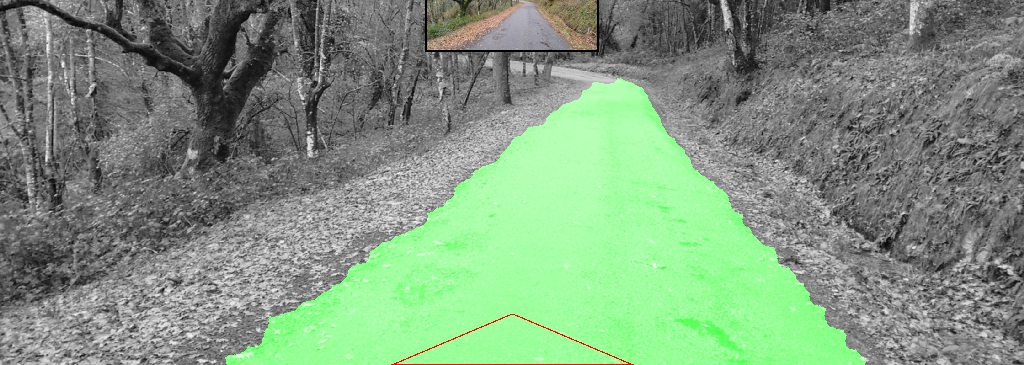
Nov 25, 2008 - Tutorial - The Lego PC Bot
tutorial shows how to use machine vision onboard a Lego NXT based PC robot. The robot can move around a
carpeted environment using a camera to determine the difference between the carpet and obstacles.
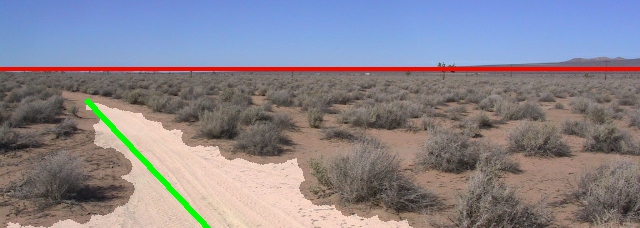
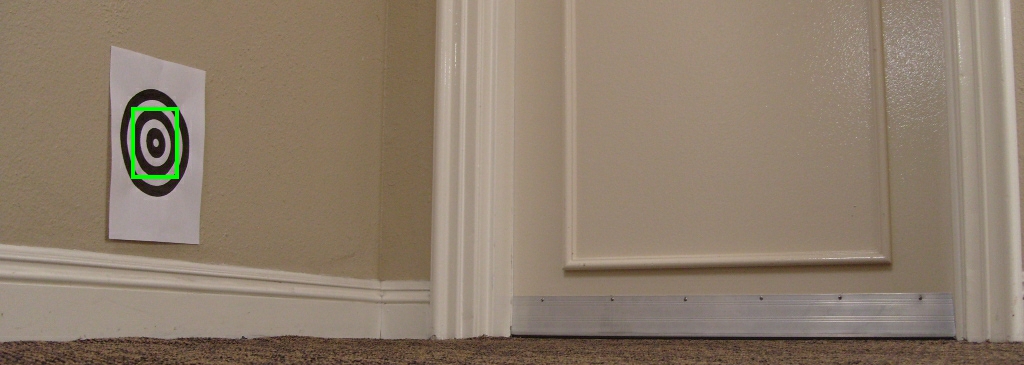
Nov 21, 2008 - Tutorial - The Obstacle Avoidance
tutorial shows how to use machine vision to avoid objects that are within the cameras view.
The tutorial starts off with some basic techniques that are easy to understand and can be used around the
home environment followed by more advanced techniques that are more generally applicable.
Nov 10, 2008 - Link - Q&A with RoboRealm
Want to know more about RoboRealm? Check out the
"Machine Vision 4 Users" blog where Steven answers a couple questions
posed by Brian about RoboRealm and machine vision in general.
Oct 16, 2008 - Link - RoboDevelopment - Visual Obstacle Avoidance
If you're in the San Francisco area next month be sure to stop by the
RoboDevelopment conference in San Jose where Steven will be giving a talk on
how to use machine vision on mobile robots for obstacle avoidance and navigation. The talk will use
RoboRealm running on mobile PC based robots to demonstrate several techniques that you can try
in your own projects! This should be a great show and we're very excited about being a part of presenting at
RoboDevelopment.
Oct 16, 2008 - Module - Colors » Segment Colors
The Segment Colors module is functionally similar to the Flood Fill module but provides more stable blobs when viewed
as video and is also a faster module than the flood fill. The purpose behind both the Segment Colors and Flood Fill module
is to reduce the image into collections of pixels called blobs that can be further processed based on shape, size, etc. by
the Blob Filter or other such modules.
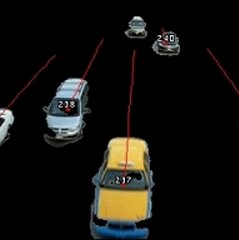
Oct 15, 2008 - Module - Transforms » Optical Flow
Optical flow is a great tool to investigate the motion of objects. While it has its limitations
Optical flow can be used for motion segmentation, object detection, and object tracking.
Oct 15, 2008 - Module - Other » Laser Line
Lasers are just plain fun! They are also useful for robots using machine vision to
actively modify the environment in a way that is easier to sample and understand. The Laser Line
module does exactly that by detecting a red laser line in from of the robot in order
to avoid obstacles in its path. Combined with the Laser Spot detector
RoboRealm now has some straightforward ways to start using lasers in your next project.
But be careful, lasers can be harmful to your eyes!
Sept 19, 2008 - Tutorial - Tutorial » Marble Maze
The Marble Maze tutorial shows how to use image processing and custom path planning to
solve rolling a marble from a start point to and end point within the maze.
Sept 09, 2008 - Module - Loading/Saving » Ftp Images
The Ftp Images module provides a way to transmit images from RoboRealm to an FTP server. This
module can be used to update remote sites with images based on a specific frequency or time
criteria.
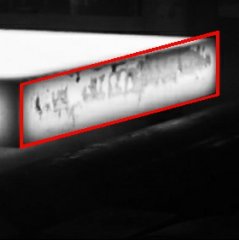
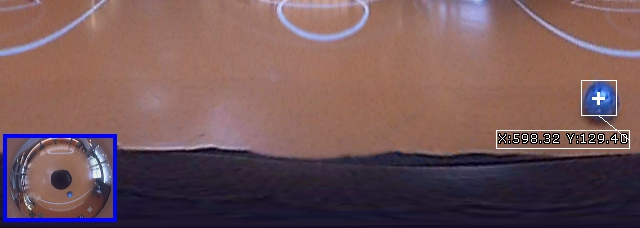
Sept 09, 2008 - Module - Transforms » Bottle Unwrap
The Bottle Unwrap module transforms an image that is wrapped around a bottle surface into a flat surface. This module
is often used as a precursor to an OCR module in order to correct for curve distortion when imaging a curved
surface.
Sept 09, 2008 - Module - Extensions » Modbus
The Modbus protocol is a well established simple data transmission
protocol often used to transmit signals between PCs and PLC type devices. The Modbus slave module accepts
modbus master requests over TCP/IP and provides a way for PLC modbus compliant devices to access RoboRealm
variables.
June 09, 2008 - Module - Control » Servos » Endurance Servo
The Endurance Servo module allows you to interface RoboRealm to servos using a controller made by Endurance R/C
The USB based servo controller supports up to 25 servos and provides for an external servo power supply in
order to run 5v, 6v, or 9v servos.
June 09, 2008 - Module - Interface » Keyboard Send
The Keyboard Send module creates a way to simulate keypresses as if you were typing into a
different application other than RoboRealm. This method provides a way to integrate the
results processed by RoboRealm into other applications without requiring any custom integration
between the two applications.
June 09, 2008 - Module - Loading/Saving » Screen Capture
The screen capture module provides you with the ability to capture the video output of
any application that
has a display on your computer screen and process that output within RoboRealm as if it
were just another webcam video stream. For example, the
very popular virtual environment Second Life can be used as a simulator to test out computer
vision algorithms without needing a robot or scenery to physically exist.
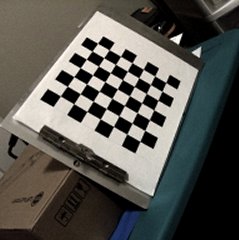
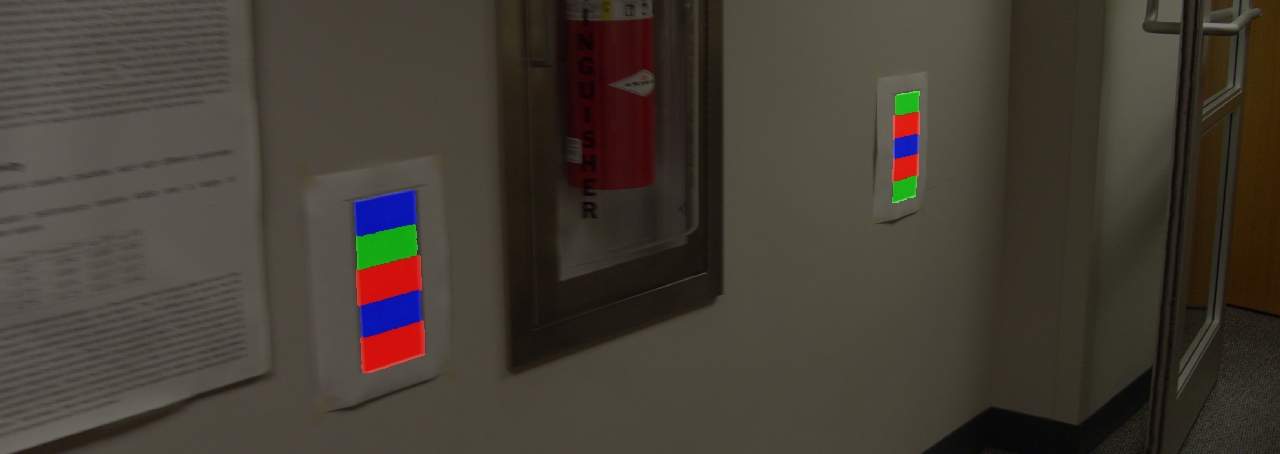
June 03, 2008 - Module - Transforms » Perspective
The Perspective Correction module provides an image transform that corrects for
the effects of perspective depth. Perspective will distort objects to appear larger
the closer they are to the
camera source and smaller when further away.
Using RoboRealm you can create a low cost vision software solution with a standard webcam that allows you
to explore the very complex world of image analysis and image processing.
Through an easy to use analysis pipeline you can add image processing filters to translate an image into
robotic movements or computer actions for your vision-guided robotic projects.
Image and/or video processing can be technically difficult. Home robots are continuously moving towards high
powered PC based systems that are capable of supporting complex image processing functions. Sometimes
you just need a testbed of current image processing applications to test potential ideas that you
want your robot or computer + webcam application to perform. We've compiled several image processing functions into a
easily accessable windows based application that you can use with your computer's webcam. You can
use it to test out your machine vision ideas and see what may be possible or not ... have fun! We did!