Screenshots     Download     Documentation     Tutorials     Partners     Resources     Contact     Forum     Search  

 
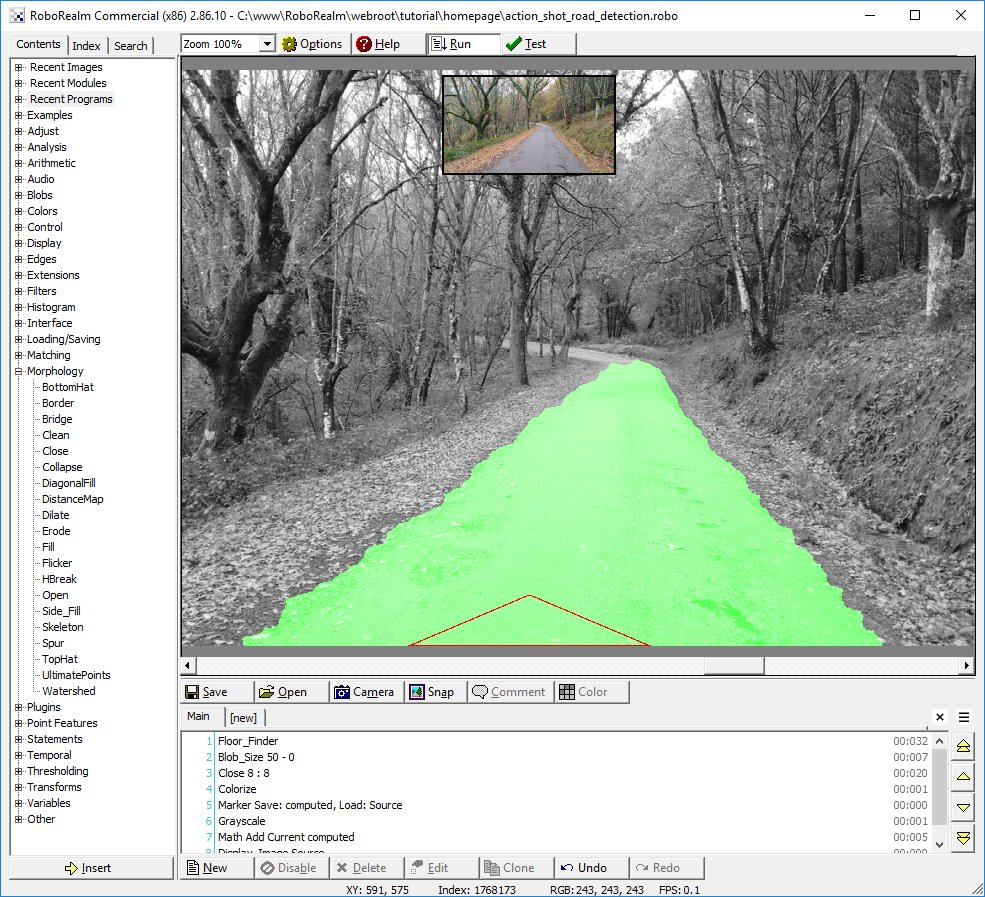
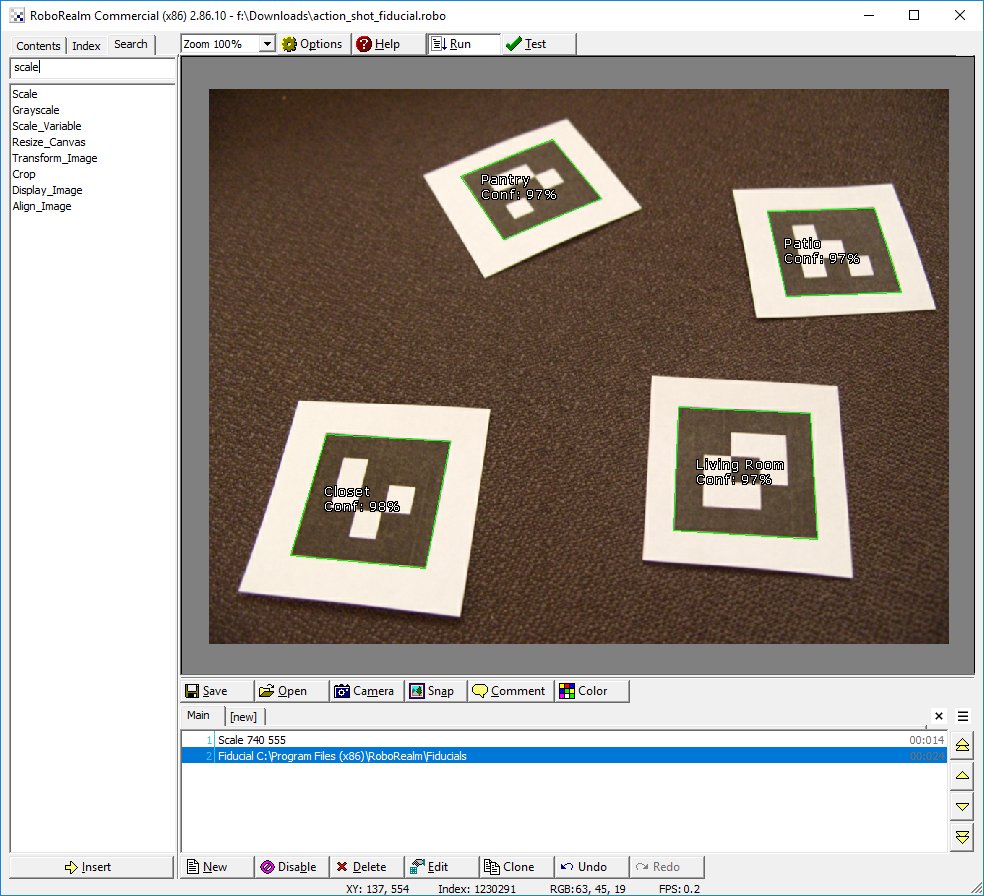
Robot Vision RoboRealm® is a powerful robotic vision software application for use in computer vision, image processing, and robot vision tasks. Using an easy to use point and click interface complex image analysis and robot control becomes easy!

RoboRealm v1.8.22.2 is free to download!

What's New


Sept 19, 2008 - Tutorial » Marble Maze The Marble Maze tutorial shows how to use image processing and custom path planning to solve rolling a marble from a start point to and end point within the maze.

Sept 09, 2008 - Loading/Saving » Ftp Images The Ftp Images module provides a way to transmit images from RoboRealm to an FTP server. This module can be used to update remote sites with images based on a specific frequency or time criteria.

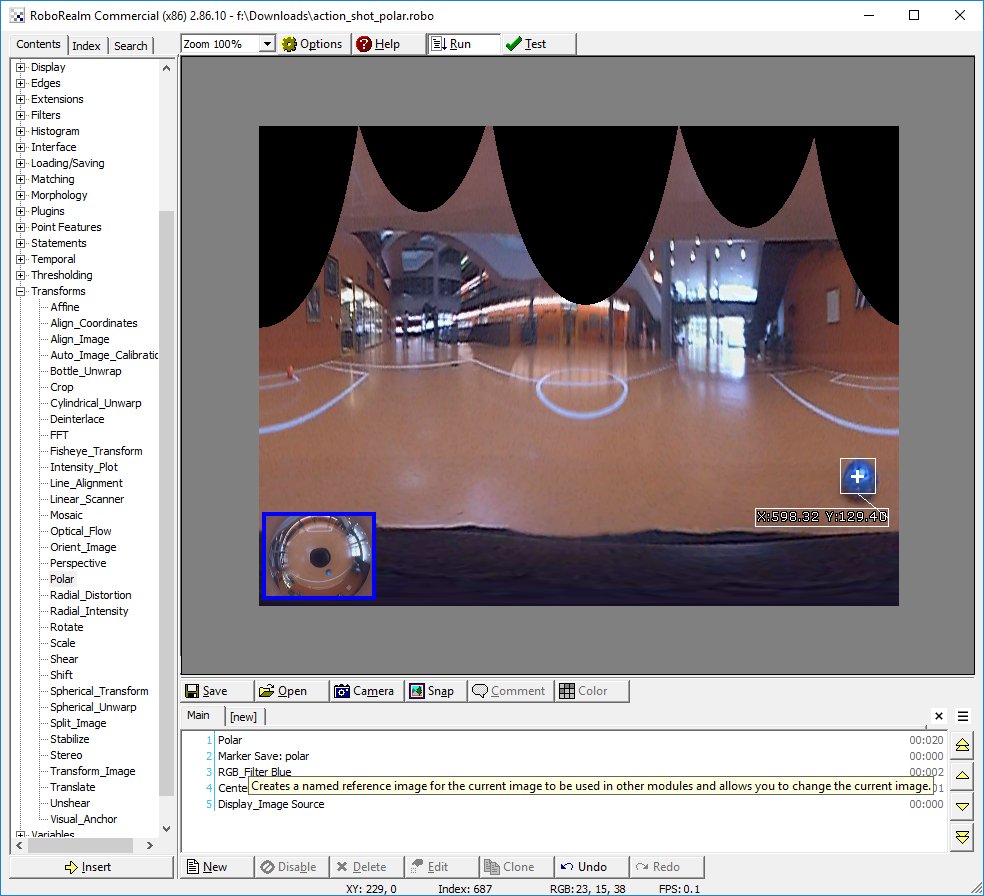
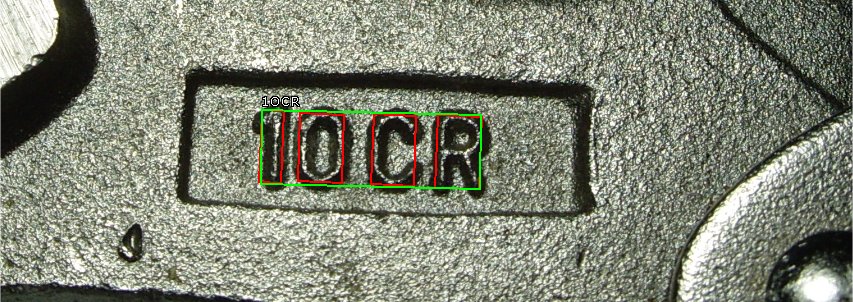
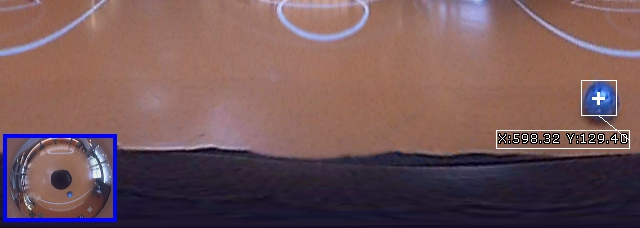
Sept 09, 2008 - Transforms » Bottle Unwrap The Bottle Unwrap module transforms an image that is wrapped around a bottle surface into a flat surface. This module is often used as a precursor to an OCR module in order to correct for curve distortion when imaging a curved surface.

Sept 09, 2008 - Extensions » Modbus The Modbus protocol is a well established simple data transmission protocol often used to transmit signals between PCs and PLC type devices. The Modbus slave module accepts modbus master requests over TCP/IP and provides a way for PLC modbus compliant devices to access RoboRealm variables.

June 09, 2008 - Control » Servos » Endurance Servo The Endurance Servo module allows you to interface RoboRealm to servos using a controller made by Endurance R/C The USB based servo controller supports up to 25 servos and provides for an external servo power supply in order to run 5v, 6v, or 9v servos.

June 09, 2008 - Interface » Keyboard Send The Keyboard Send module creates a way to simulate keypresses as if you were typing into a different application other than RoboRealm. This method provides a way to integrate the results processed by RoboRealm into other applications without requiring any custom integration between the two applications.

June 09, 2008 - Loading/Saving » Screen Capture The screen capture module provides you with the ability to capture the video output of any application that has a display on your computer screen and process that output within RoboRealm as if it were just another webcam video stream. For example, the very popular virtual environment Second Life can be used as a simulator to test out computer vision algorithms without needing a robot or scenery to physically exist.

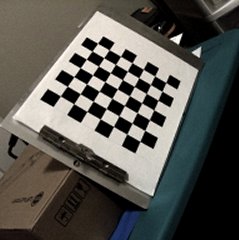
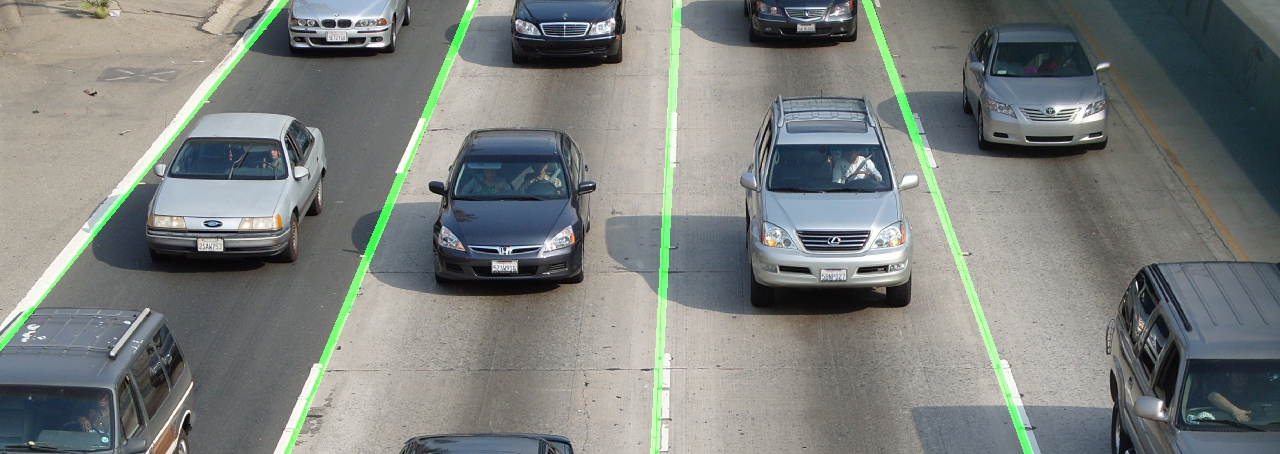
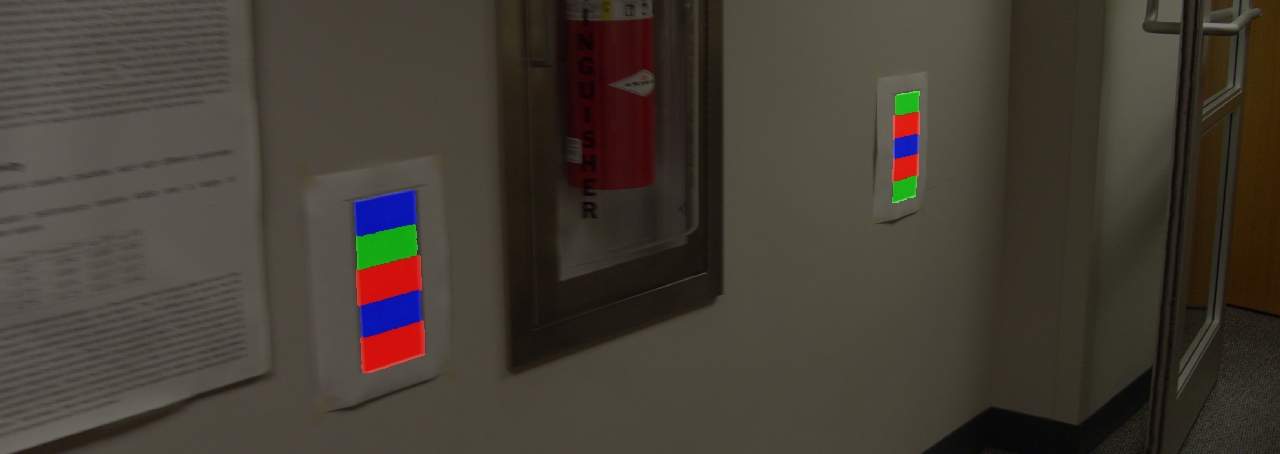
June 03, 2008 - Transforms » Perspective The Perspective Correction module provides an image transform that corrects for the effects of perspective depth. Perspective will distort objects to appear larger the closer they are to the camera source and smaller when further away.

May 20, 2008 - Control » Cameras » TRENDnet Internet Camera The TRENDnet Internet Camera module provides access to the TRENDnet cameras that stream video over the internet. Check out the office camera that TRENDnet has as a demo to see the camera in action.

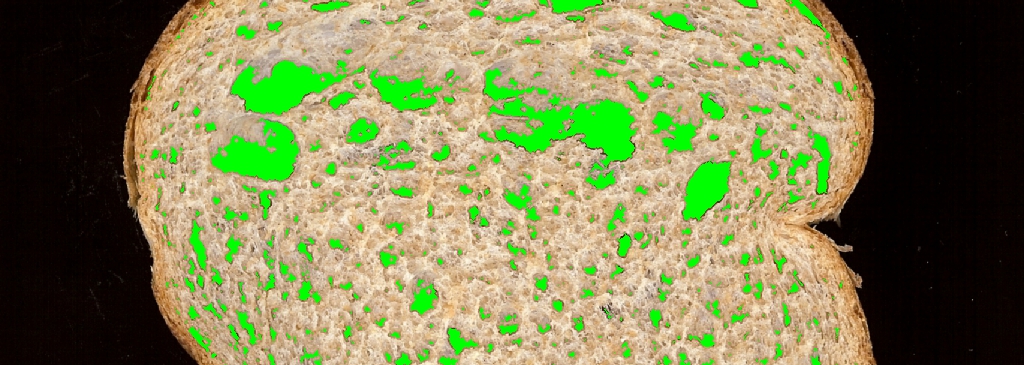
Maker Faire.Maker Faire - RoboRealm is used in many ways; from robot navigation to art exhibits to quality assurance on pieces of bread! Come join us in celebrating this immense diversity at the "Do-It-Yourself" Maker Faire on May 4th & 5th in San Francisco and see what ideas you can create! We're in the main Expo hall and will be ready to answer your questions.

Apr 3, 2008 - Filters » Flatten In the constant struggle against bad lighting the flatten module helps to even out lighting across the image. This is akin to an edge detection but one that preserves the finer elements of the image in order to create a more visually recognizable image in contrast to a pure edge detection. The flatten module is useful in reducing the effects of shadows and highlights.

Apr 3, 2008 - Extensions » OSC_Send_Variables Adding yet another way for RoboRealm to communicate with other applications opens up applications that understand the OSC protocol. This protocol is most often used in Music type applications to communicate bits of status information from one device or application to another.

Apr 3, 2008 - Control » Other » LED_Wiz Because you always want to control more LEDs the LED-Wiz module provides an interface to the IDVT LED-Wiz controller board. This device allows your robot projects to express themselves better by putting on their own LED light show!

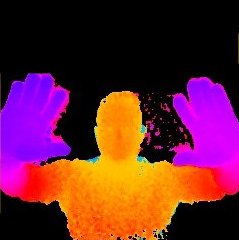
Mar 17, 2008 - Other » 3D Viewer Robots often need to understand the 3D world around them. In order to help us get a better understanding of the possibilities of 3D the 3D Viewer module provides a way to experience 3D images from your computer. This is a first step into stereoscopic vision that helps you understand the limitations and setup of a stereo based camera system.

Mar 17, 2008 - Blobs » Blob Colorize Often during processing of images a segmented blob needs to regain its original color to allow for further processing based on an average or mean color that best represents the blob. The Blob Colorize does just that.

Mar 17, 2008 - Point Features » Point Cloud Many robotic sensors provide a wide range of single point samples for the area they are sensing. Such devices include LIDAR or Sonar type systems. Whilst very different in origin from color pixel values they can be processed in fundamentally the same way as camera pixels. The Point Cloud module provides a way to create a graphic image of your point samples which then allows all other RoboRealm modules to process that data as if it were a graphic image captured from a webcam.

Mar 17, 2008 - Loading/Saving » Read Variables Adding yet another way to read information back into RoboRealm, the Read Variables module provides a way to read in configuration information or data points from text files into RoboRealm for further processing or module configuration.

Mar 12, 2008 - Adjust » Camera Properties (DirectX) A lot can be done to digitally correct images with bad lighting, contrast, etc. but nothing beats having the camera change its internal capture configuration to yield a better image. The Camera Properties module provides a way to change the internal DirectX supported camera properties using RoboRealm variables instead of having to manually pull up the camera capture dialog to change the capture parameters. In this way your robot can better adapt how the camera should function in a particular circumstance.

Mar 10, 2008 - Control » Robot » IRobot Roomba If you are interested in extending the capability of your IRobot Roomba vacuum then have a look at the RoboRealm Roomba control module for both the 400 and 500 Roomba robot series. This module allows you to control your vacuum to be more than just a vacuum. By adding an onboard camera or even using a stationary one you could provide better navigation for your Roomba by using the processing power of your PC.

Feb 18, 2008 - Control » Other » USB HID Interface With the popularity of the serial module that allows creation of custom communication protocols to certain devices the USB HID module provides a similar amount of flexible control of USB devices that utilize the Human Interface Device standard of communication. This style of device driver is often used in popular desktop products such as the Dream Cheeky USB Missile Launcher (of which we already have a module). The USB HID module gives you the ability to communicate to these types of devices which RoboRealm has not yet had a chance to create a custom module for or is simply unaware of.

Feb 11, 2008 - Options » Kiosk Mode As more and more of you are using RoboRealm in live settings to control your robot we are happy to announce the availability of a Kiosk mode. The Kiosk mode is meant to help you reduce the RoboRealm interface to the bare minimum to prevent accidental reconfiguration of the currently running RoboRealm application. Using the Kiosk mode you can lock the RoboRealm application into a reduced interface to ensure simpler user operation.

Feb 11, 2008 - Display » Display Triangle, Circle and Rectangle modules were added to provide you the ability to draw those shapes based on coordinates within RoboRealm. While very basic these modules are very useful in cleaning up shapes by redrawing them based just on their appropriate coordinates.

Feb 11, 2008 - Control » Cameras » Firewire (The Imaging Source) RoboRealm continues its camera integrations by welcoming The Imaging Source as a new RoboRealm partner. Their gracious loan of a DBX-21BF04-Z firewire camera has allowed the creation of a new Firewire camera module that allows the RoboRealm application to be used with firewire cameras such as those provided by The Imaging Source.

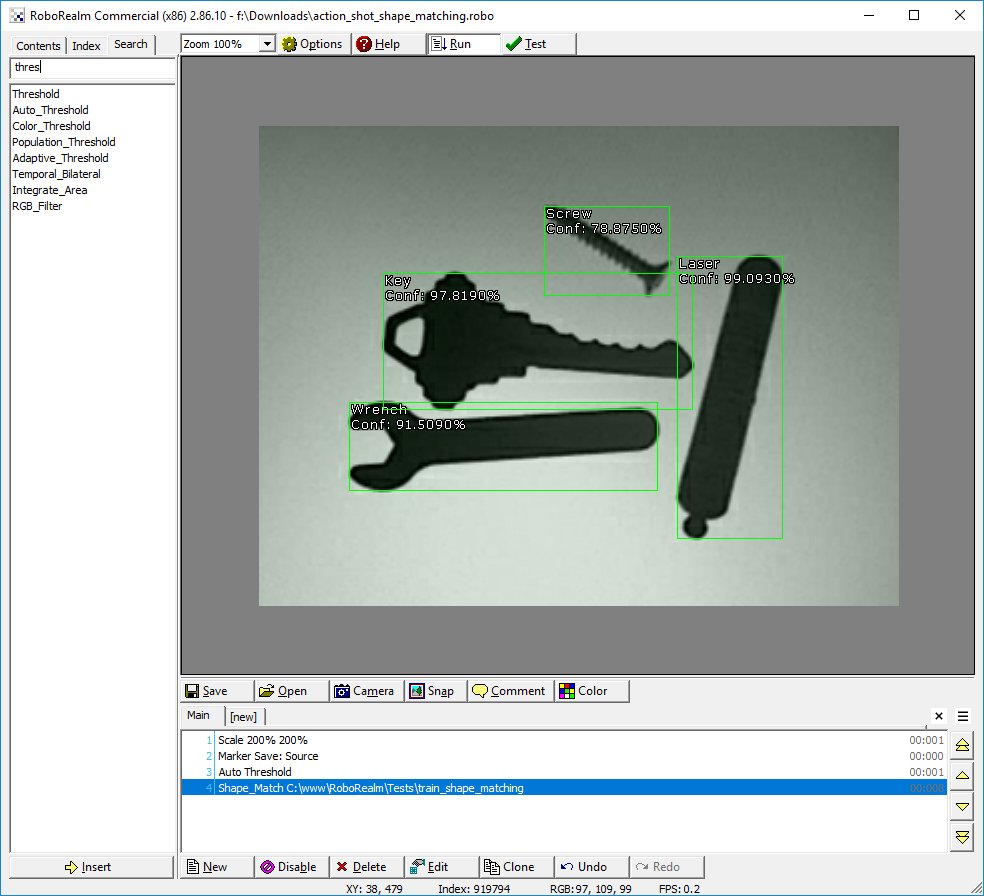
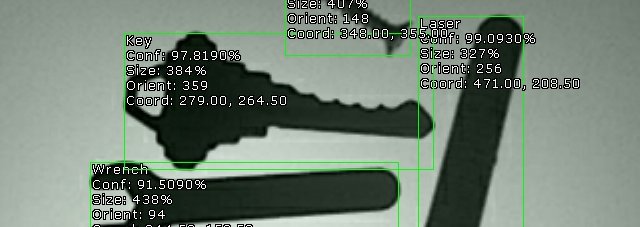
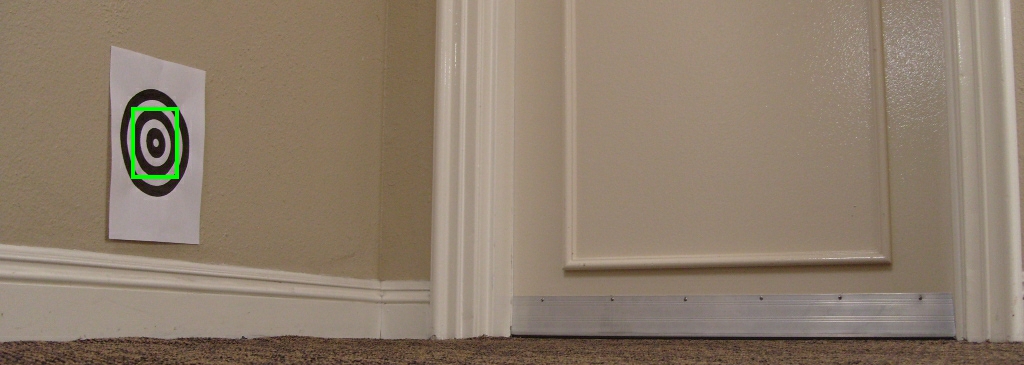
Feb 11, 2008 - Matching » Shape Matching tutorial using the DBX-21BF04-Z camera for part identification as objects move along a conveyor belt.

Continue ...

If you don't find what you need in RoboRealm, then check other OpenSource/FreeWare Vision Packages. If you're looking to buy a robot have a look at some robot stores.

About

Using RoboRealm you can create a low cost vision software solution with a standard webcam that allows you to explore the very complex world of image analysis and image processing. Through an easy to use analysis pipeline you can add image processing filters to translate an image into robotic movements or computer actions for your vision-guided robotic projects.

Image and/or video processing can be technically difficult. Home robots are continuously moving towards high powered PC based systems that are capable of supporting complex image processing functions. Sometimes you just need a testbed of current image processing applications to test potential ideas that you want your robot or computer + webcam application to perform. We've compiled several image processing functions into a freely available windows based application that you can use with your computer's webcam. You can use it to test out your machine vision ideas and see what may be possible or not ... have fun! We did!

Articles

Check out our getting started guide to machine vision, vision software, computer vision, and image processing or our Introduction to Servos to get you started.


© 2008 RoboRealm. All Rights Reserved. | Contact | Glossary | Privacy | Disclaimer | Link to Us | Resources | Site Map